

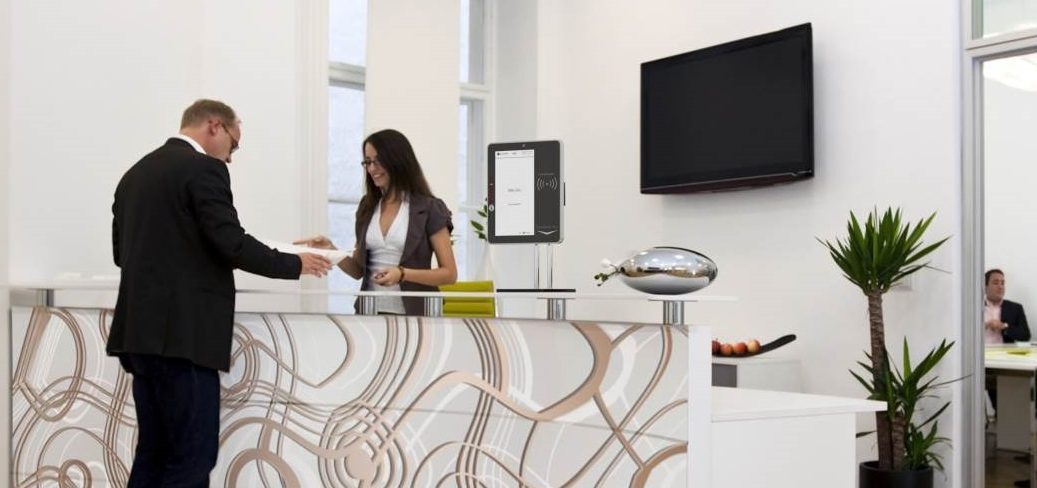

Self-Service Reception Kiosk
Replace your dated visitor book with a self-service reception kiosk. The touch screen visitor management solution will free up your receptionist's time for other duties - or work seamlessly in an unmanned reception area.
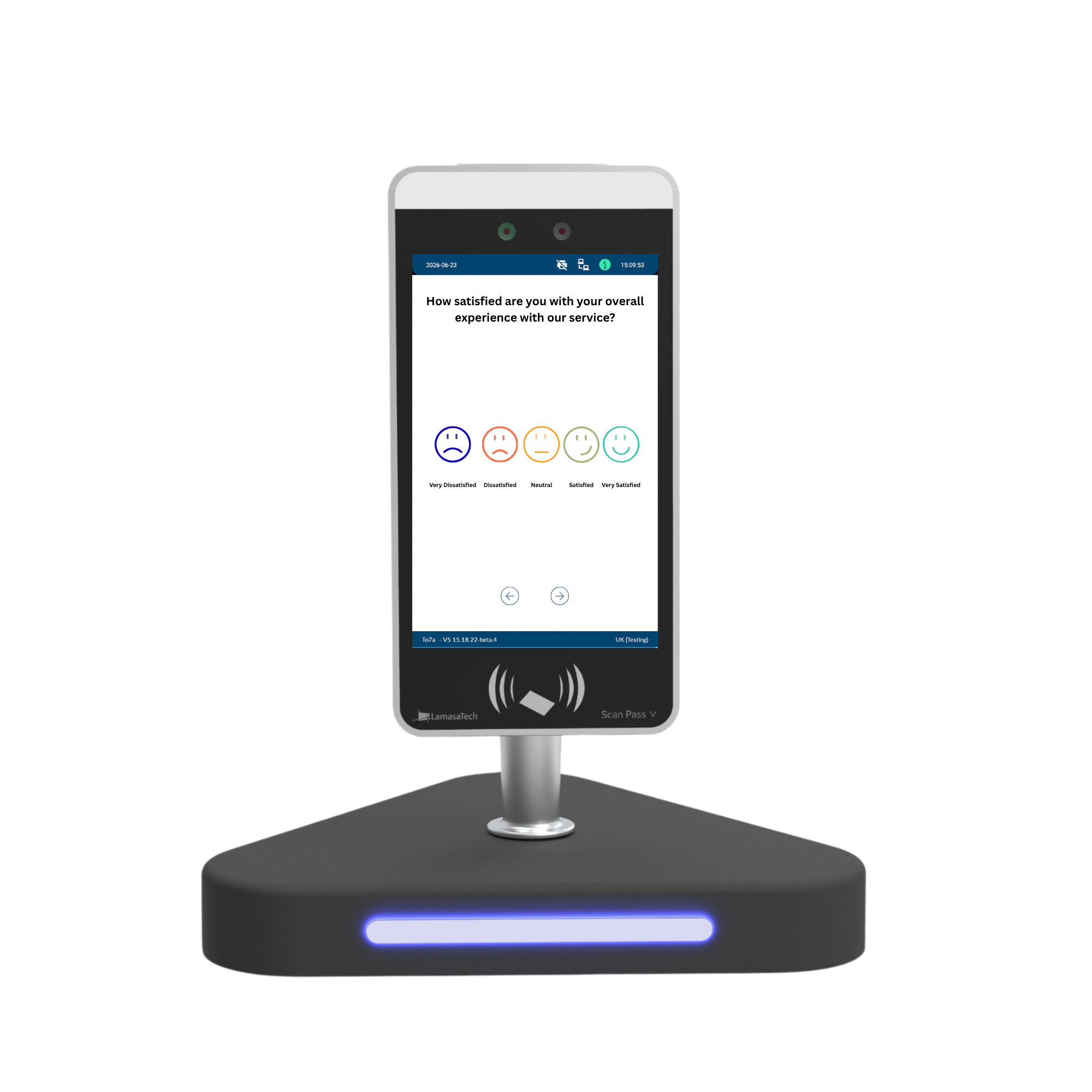
Easy-to-use survey kiosk software for Business & Education
Visit our website dedicated to visitor management and survey kiosks
Visit our website dedicated to visitor management
Visit our website dedicated to visitor management
Features
Speak to our team on +44 (0)191 341 0016
Speak to our team on +44 (0)191 341 0016
Visit our dedicated website for more information on survey kiosks
Frequently Asked Questions
What is the Survey System and how does it work?
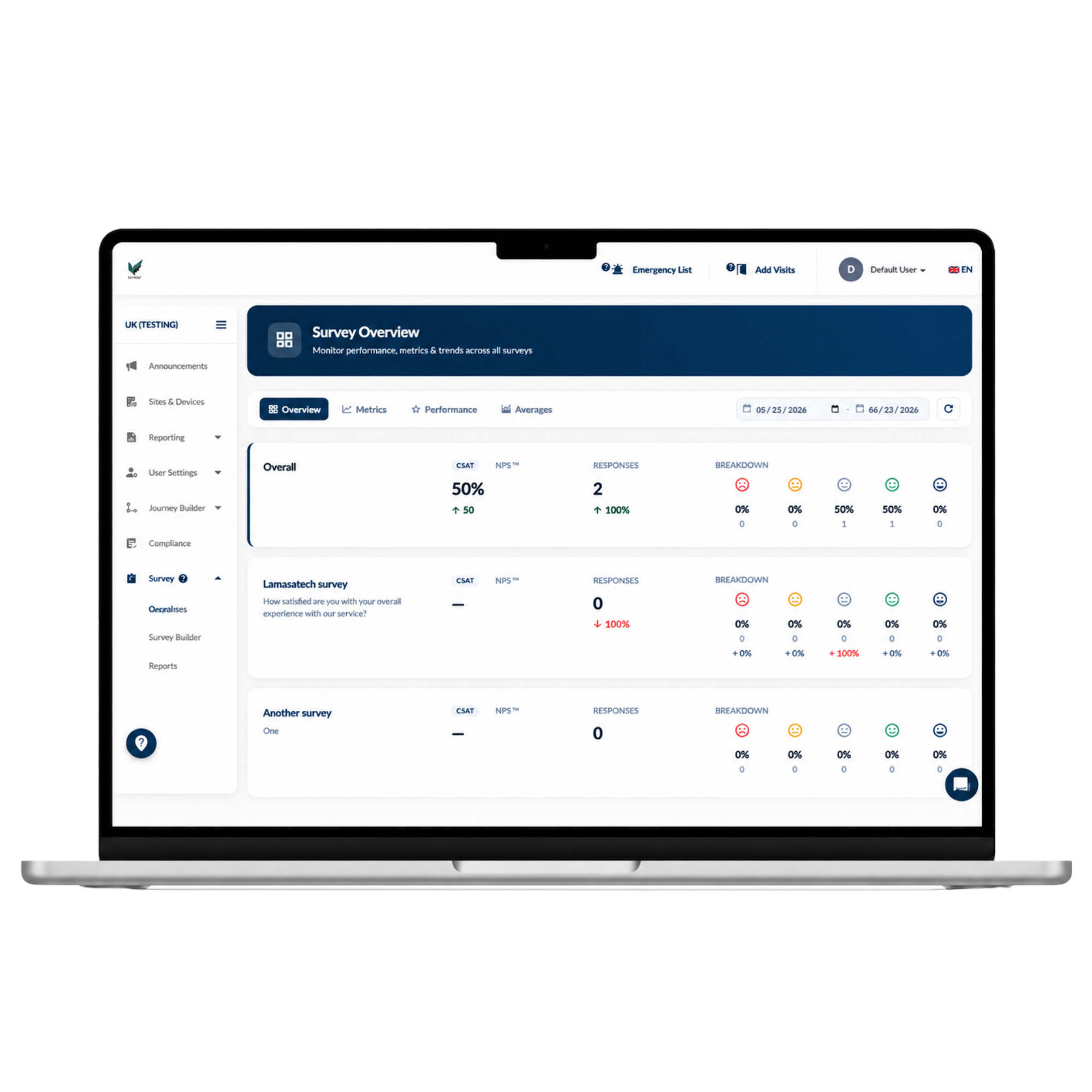
It's a dedicated survey module for our kiosk range that lets you design, brand, deploy and analyse customer, patient or visitor surveys in a single workflow. Build a survey from a blank canvas or a ready-made template, choose from 17+ question types, publish it to your kiosk, and watch responses flow into a live analytics dashboard as they come in.
Can I run feedback surveys on existing kiosks without buying extra hardware?
In most cases, yes. Survey System is a software module activated per account on our existing kiosk range, so if you already have compatible kiosk hardware in place, it can typically be switched on rather than replaced. Speak to our team to confirm compatibility with your current setup.
How customisable are kiosk surveys for corporate branding?
Every label, icon, colour, button style and background is editable, and your logo and hero imagery flow through the introduction screen so respondents recognise your brand instantly. Theming can be set survey-wide and then overridden per question where needed.
What type of survey analytics and reporting does the system provide?
A live dashboard shows CSAT, NPS and response aggregates with trend sparklines, best and worst performers, and a day-by-hour heatmap of scores. You can also compare up to 5 surveys side by side across seven metrics with statistical significance testing, and export results to print-ready PDF (Arabic/RTL supported) or Excel.
How does kiosk survey software improve response rates compared to email surveys?
By asking at the point of experience rather than days later. A kiosk placed at reception, checkout, or the exit removes the gap between when someone forms an opinion and when you capture it, with no login, app download, or QR code needed, which consistently outperforms email or SMS follow-up surveys sent after the fact.
How to collect on-site customer feedback
The most reliable way to collect on-site customer feedback is to ask at the point of experience, using a dedicated kiosk at reception, checkout or the exit rather than relying on email or SMS follow-up.
What are the best ways to measure visitor satisfaction in real time?
The best ways to measure visitor satisfaction in real time are a live dashboard with CSAT and NPS aggregates, trend sparklines and a day-by-hour heatmap, so you can spot a dip in satisfaction as it happens.
How to prevent survey abandonment on kiosks
Preventing survey abandonment on kiosks comes down to kiosk-first design, intelligent question routing, and short, templated flows so respondents are only ever asked what's relevant to them.
Use our product builder to build a personalised quote
Use our product builder to build a personalised quote